Thinking fast, slow, artificially – is AI making us stupid, or having us surrender our cognitive abilities to it?
There are plenty of bad uses, and consequences of bad use, for AI. I’ve now started to learn about the risk of it becoming the human’s third external and artificial thinking system, that replaces the all-important human’s first and second thinking systems (excellent read on this: Thinking, Fast, Slow by Daniel Kahneman), and causes our – unintended? – cognitive surrender. Equally fascinating, curious and scary thought. It also makes me much more aware of what I want AI to do for me or how I use it.
Here’s a recent summary article from The Wharton School, The University of Pennsylvania about Cognitive Surrender research done by Wharton postdoctoral researcher Steven Shaw and professor Gideon Nave, “Thinking Fast, Slow, Artificially: AI and your brain”. I highly recommend watching this April 2026 webinar and discussion, “AI is making us stupid — but it doesn’t have to”, hosted by Kaila Colbin, CEO and founder of Boma New Zealand, featuring Steve and Gideon. The full research paper is also available online to read: “Thinking—Fast, Slow, and Artificial: How AI is Reshaping Human Reasoning and the Rise of Cognitive Surrender”, 11 January 2026 (note that the research paper site will ask that you verify you are human).
French language learning excitement at home, thanks to AI, but using our human thinking
Having begun on that serious note, I’m now going to say that its then very exciting & encouraging – a joy – to play around and see AI being used personally & practically at home, in an educational way that helps us to think more with our own human systems, and learn a subject in a broader / more in-depth way than we could do via analogue (as my teen puts it). Especially when its a subject that you enjoy too.
One of my daughters has been trying to think of other ways to revise and practice her high school French, in addition to using her current textbooks etc. She wanted to expand the variety and combinations of words yet still be learning the specific module of vocab for her tests. And she doesn’t have much time to get this all set up via analogue / hand written cards, or have the speed of language ability (yet) to think of all the various ways to form sentences, or have a French speaker on tap (even if we have one at home!).
She wondered about using the app Quizlet, but it felt quite limited on the free version, and she wasn’t sure if the paid version would be much better. Plus it still wouldn’t speak to her in French!
So, we thought of her requirements, and started to make a web app using Claude AI (Sonnet 4.6, paid version), based on the module of vocabulary being learnt. About an hour later, in between me eating chocolate, her making tomorrow’s lunch, and me playing around with French voice settings on my Apple, plus testing and revising — taadaa, we have an app! We have been very impressed with the result, and it’s very cool to use, even at MVP stage! It’s publicly published on the web, and also has mobile-friendly navigation.
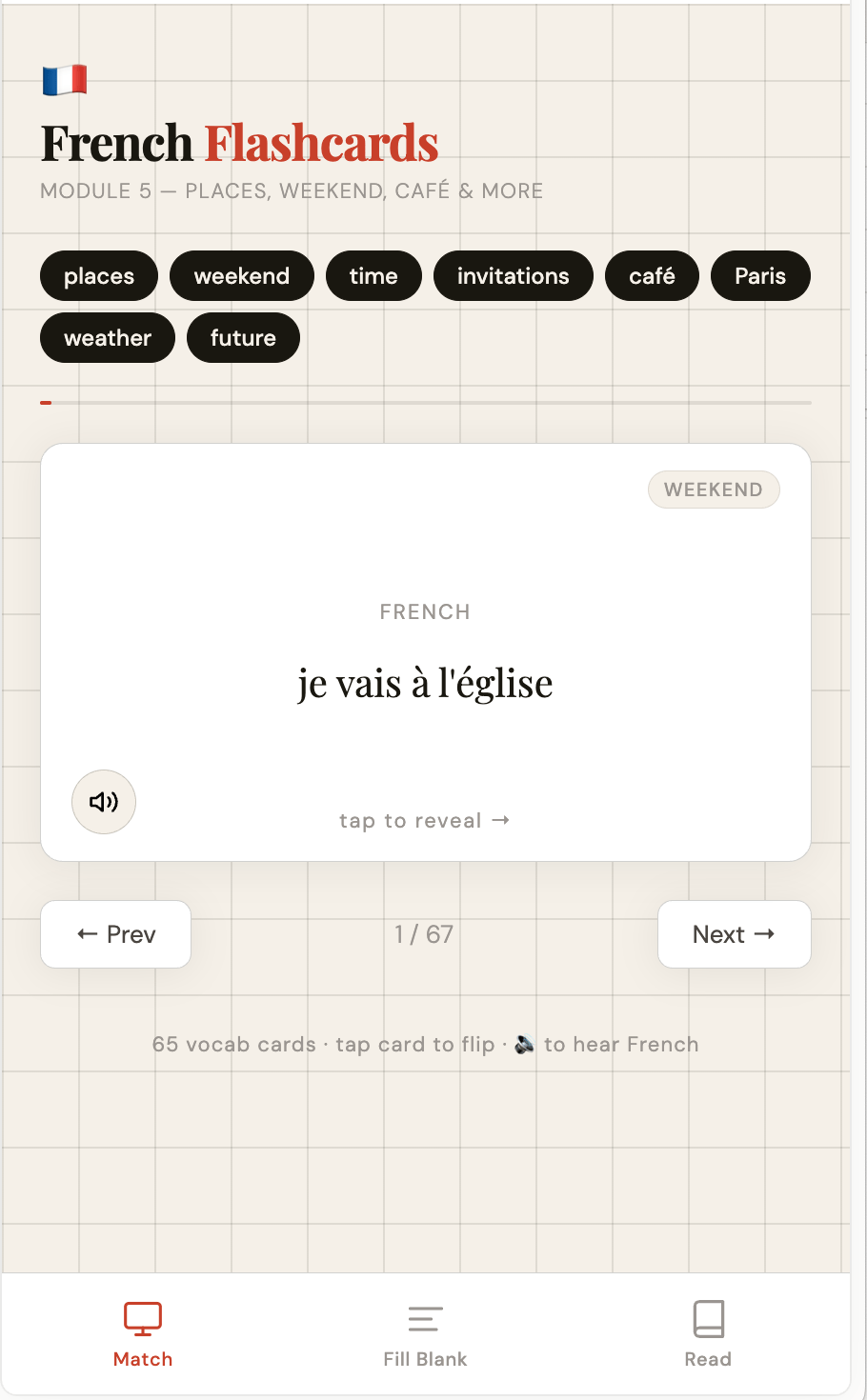
Here it is, our French Flashcards Module 5 — Places, Weekend, Café & More: https://claude.ai/public/artifacts/0faa5bf2-b957-449e-9fef-394b4b940567
She will try it out this week, on her laptop and mobile phone, and if it goes well and really does make the language practice a lot better and more interesting for her, we will try making something else again for future modules of learning.
Three reading / comprehension revision areas
Her user requirements were that she wanted the app to help her revise in three different ways:
1) French word flashcards “Match”, with the English translation on the other side. This first section was to help her build quicker recall/recognition and familiarity.
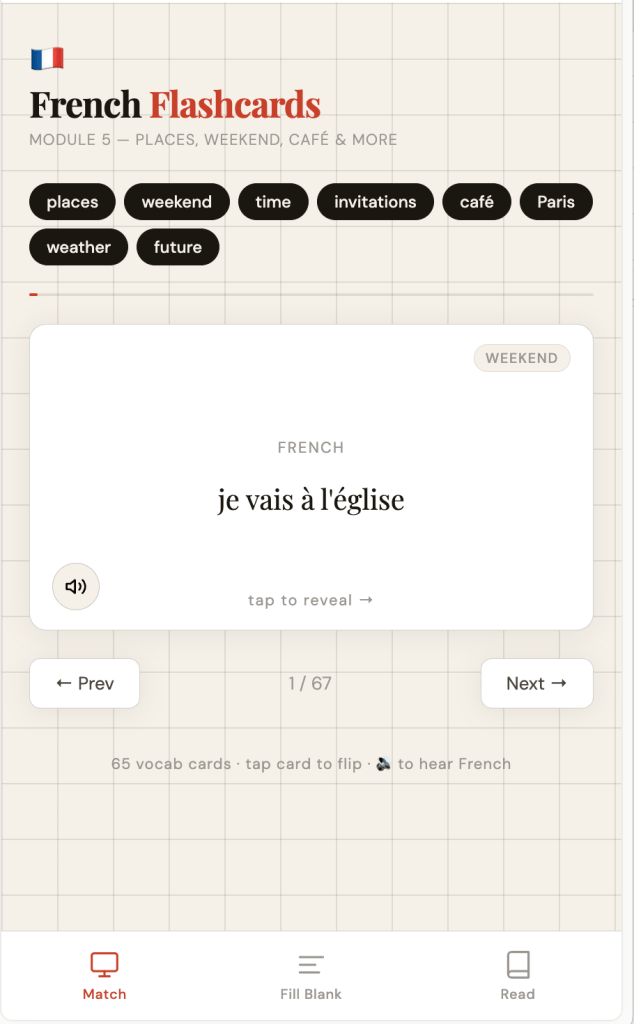
2) “Fill the blank” French sentence cards, with the correct answer confirmed or explained after you choose the word.
This second section was to help her with reading and understanding a sentence, and knowing what word would fit best.
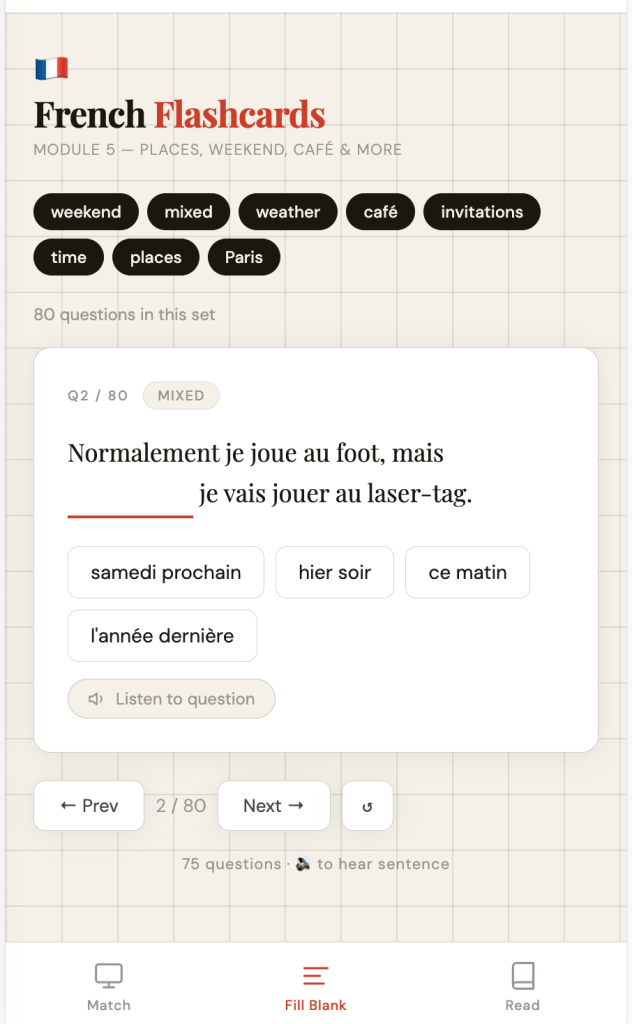
3) “Read” French paragraphs, 2 to 3 sentences long, that contain a mixture of the vocab needing to be revised. The English translation is on the “back” of the flashcard.
This third section was the next level of difficulty/complexity for her, to help with learning how to read and comprehend paragraphs combining different vocab or ideas.
Listening in French
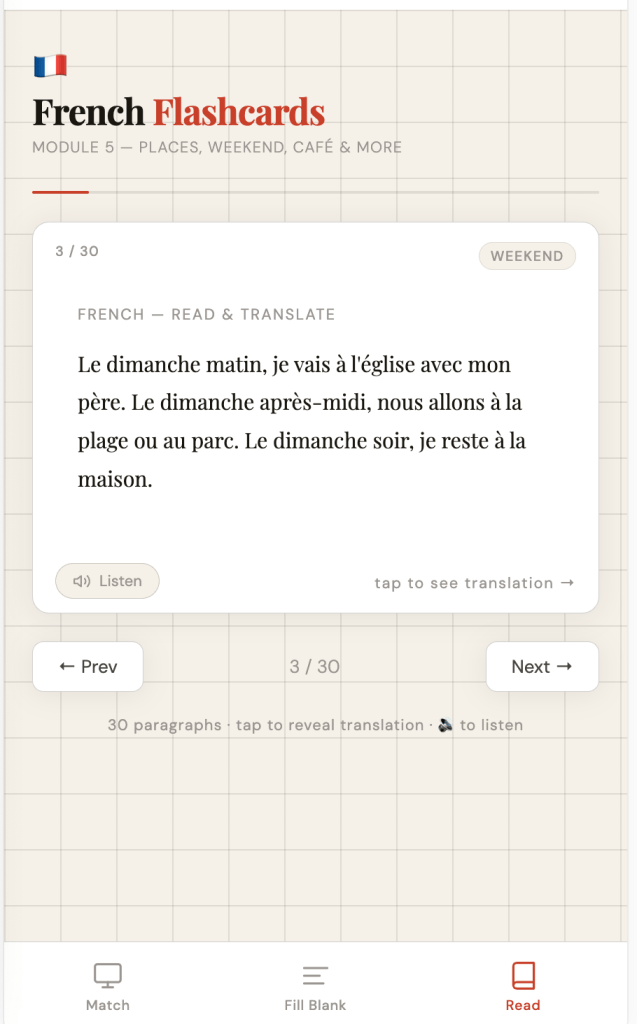
Listening is something that she also needed to practice. So, I’ve added the function via speaker icons in the various sections. These can be clicked for the computer/device to speak it aloud for the student. However, depending on the student’s computer or phone operating system, the French speaker may sound like a native fluent speaker or slightly more robotic sounding one.
We currently have selected the Mac OS native French language speaking option of “Audrey (premium)”. The settings for voice can be found under Settings > Accessibility > Spoken Content > Voices > French > Voice. Be aware that there are France, Belgium or Canada French speaker options, so choose carefully!
Unfortunately, we have also found varying speaking results/quality from using Firefox, Safari, Duckduckgo browsers and depending on the OS being used, Windows or Mac, or which mobile phone. According to Claude AI, Microsoft Edge browser may be more consistent and have good French speaking, but we haven’t tested that. So, there may be some settings fiddling about to do, if you don’t like your operating systems default French voice.
Feel free to have a play around with our new web app – we hope that it may useful for other learners too?
P.s. While we used AI to build us a web app, no AI was used in generating this blog post. The title and content were written without the help and suggestions of AI. The images are the images of the live web app screens.

